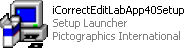
1. Launch the installer program.
2. Read the welcome screen and click Next.
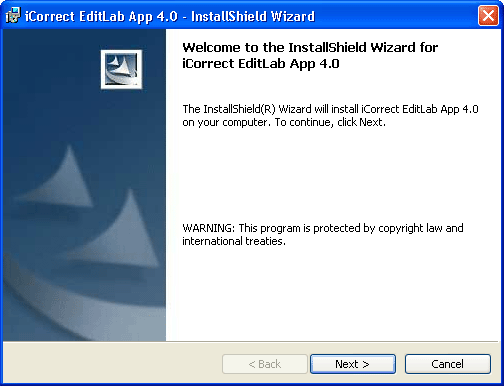
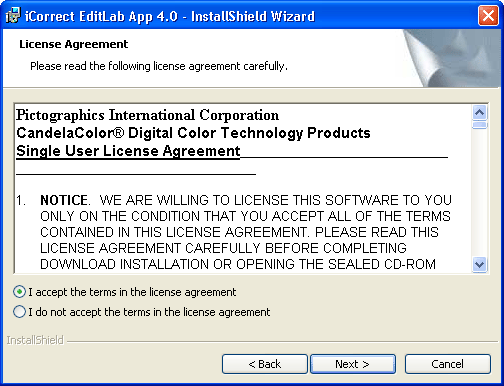
3. Read the License Agreement, click I accept the terms in the license agreement if you agree to its terms and then click Next.
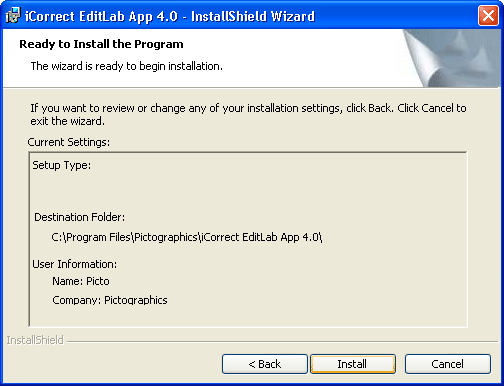
4. This window shows where the software will be installed. Click Next.
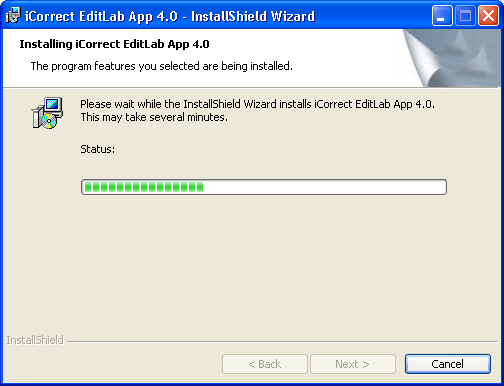
5. A progress display appears during installation.
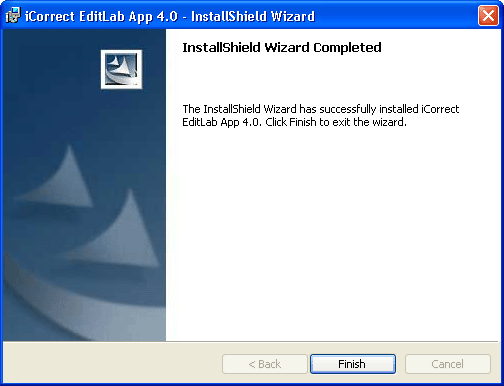
6. This window indicates a successful installation.
A shortcut will appear on your desktop, and the program will also appear in the Start menu (Start > All Programs > Pictographics > iCorrect EditLab App 4.0).
7. If you wish to register your software now, click Yes, otherwise click No.

Clicking Yes will launch your browser and take you to our online registration page.